How it works. From a new screen to content on air, in a few steps.

Set up your device

Two things, and your screen is ready to go.

  1. 1

    Put Marien Player on the screen

    On an Android TV box, install the app. On a smart TV, open the web player in its browser.

  2. 2

    Open Marien CMS

    Sign in from your phone, tablet or laptop, and connect the screen with its code.
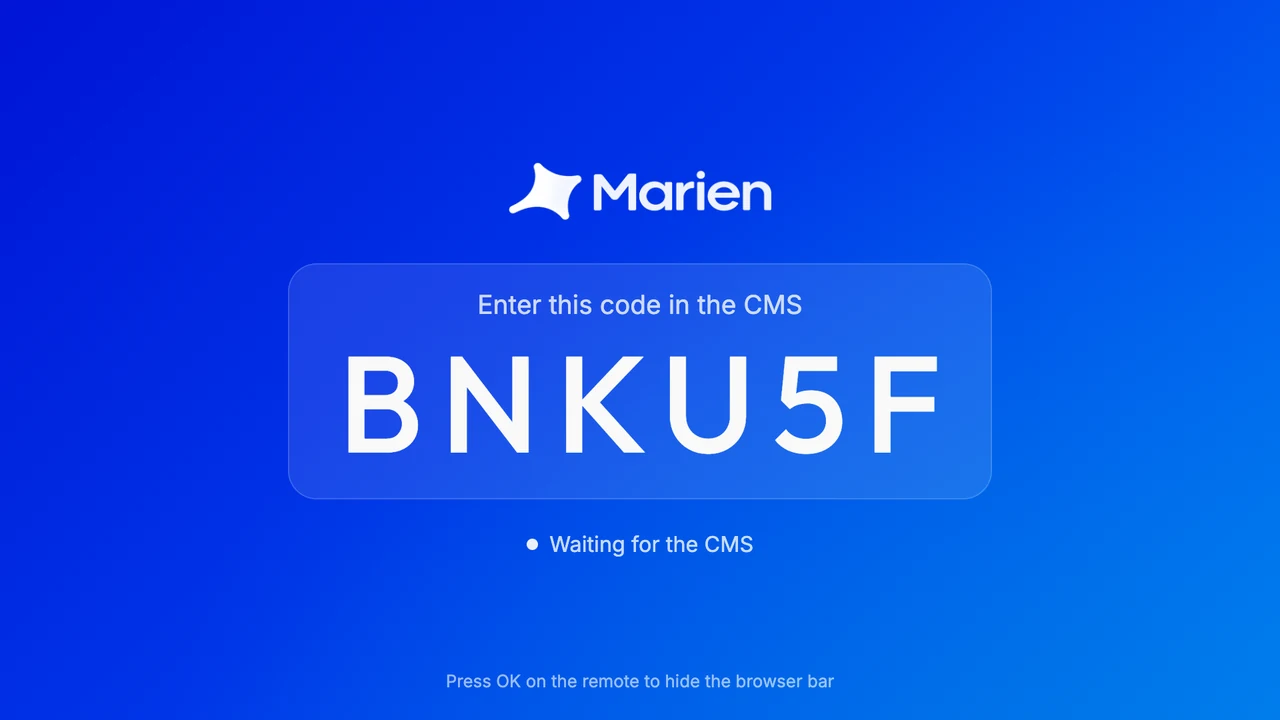
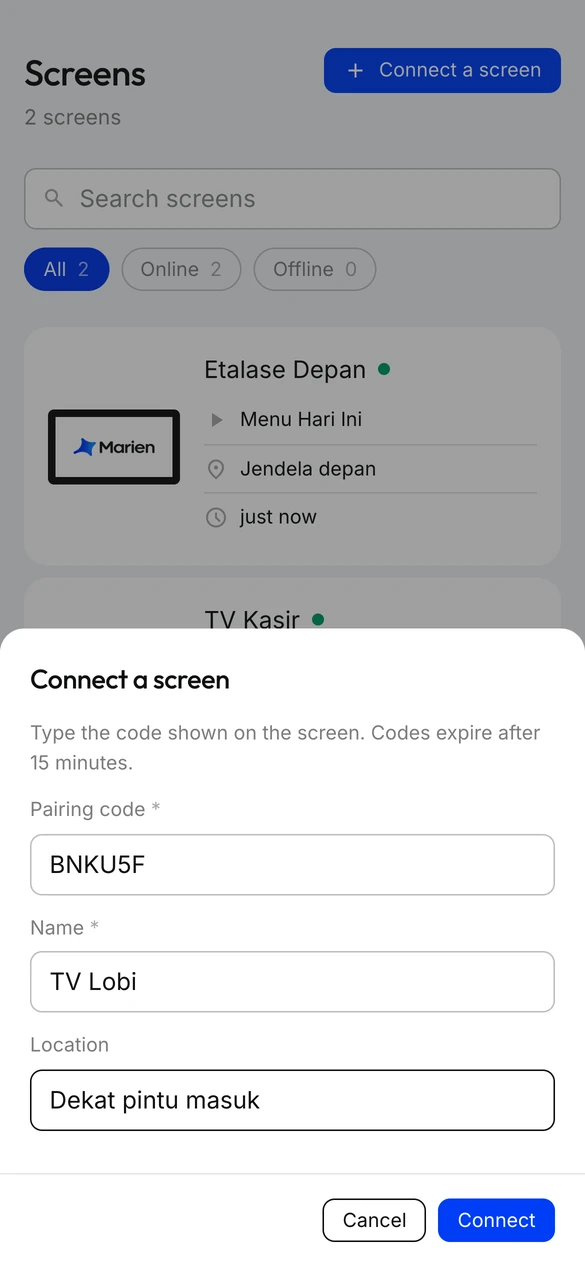
Connect your screens

Type the six-letter code from the player, and the screen joins your fleet.

The pairing code on a new Marien screen

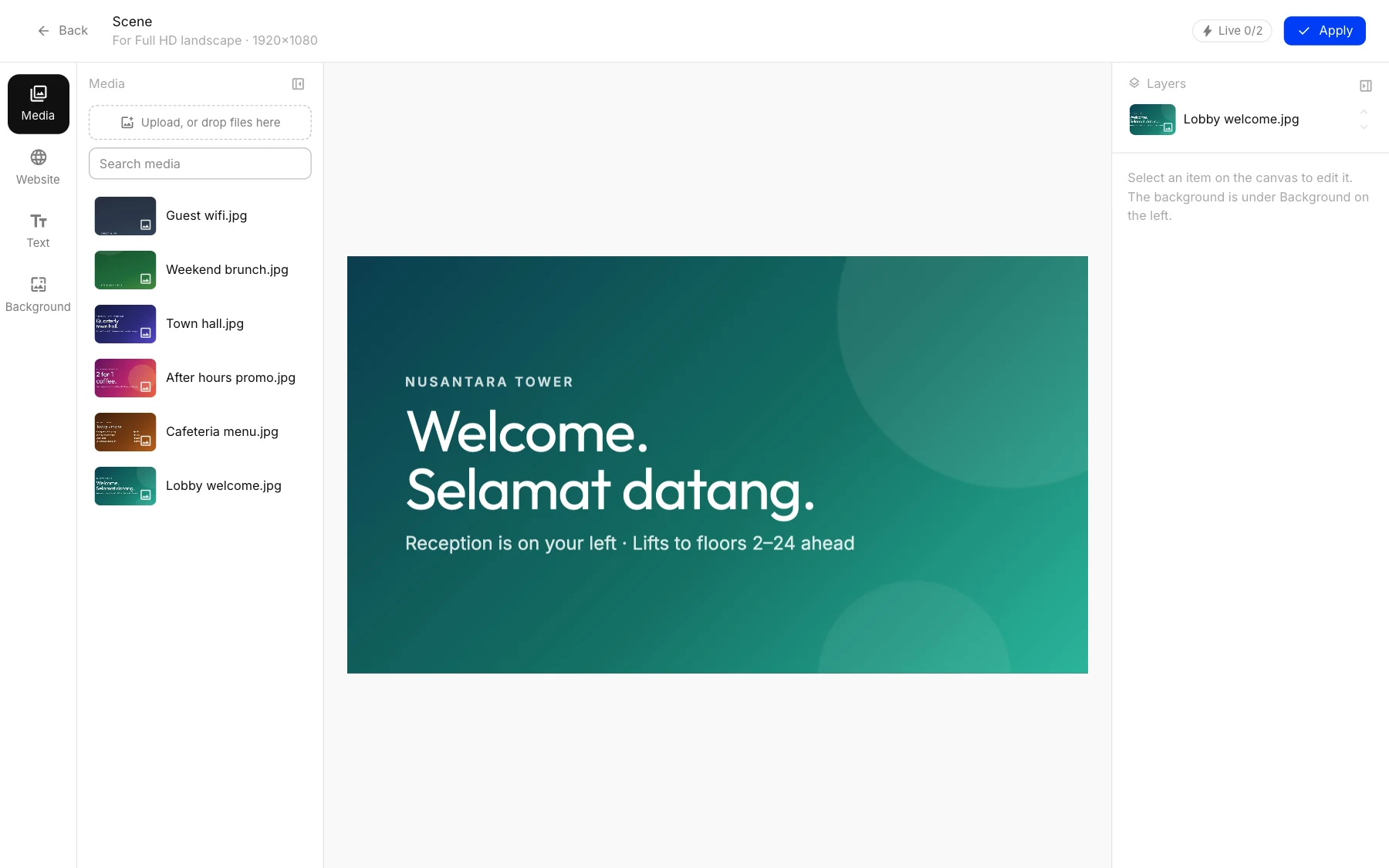
Design your content.

Photos, video, websites and text, at the screen’s real shape.

marien · Scene
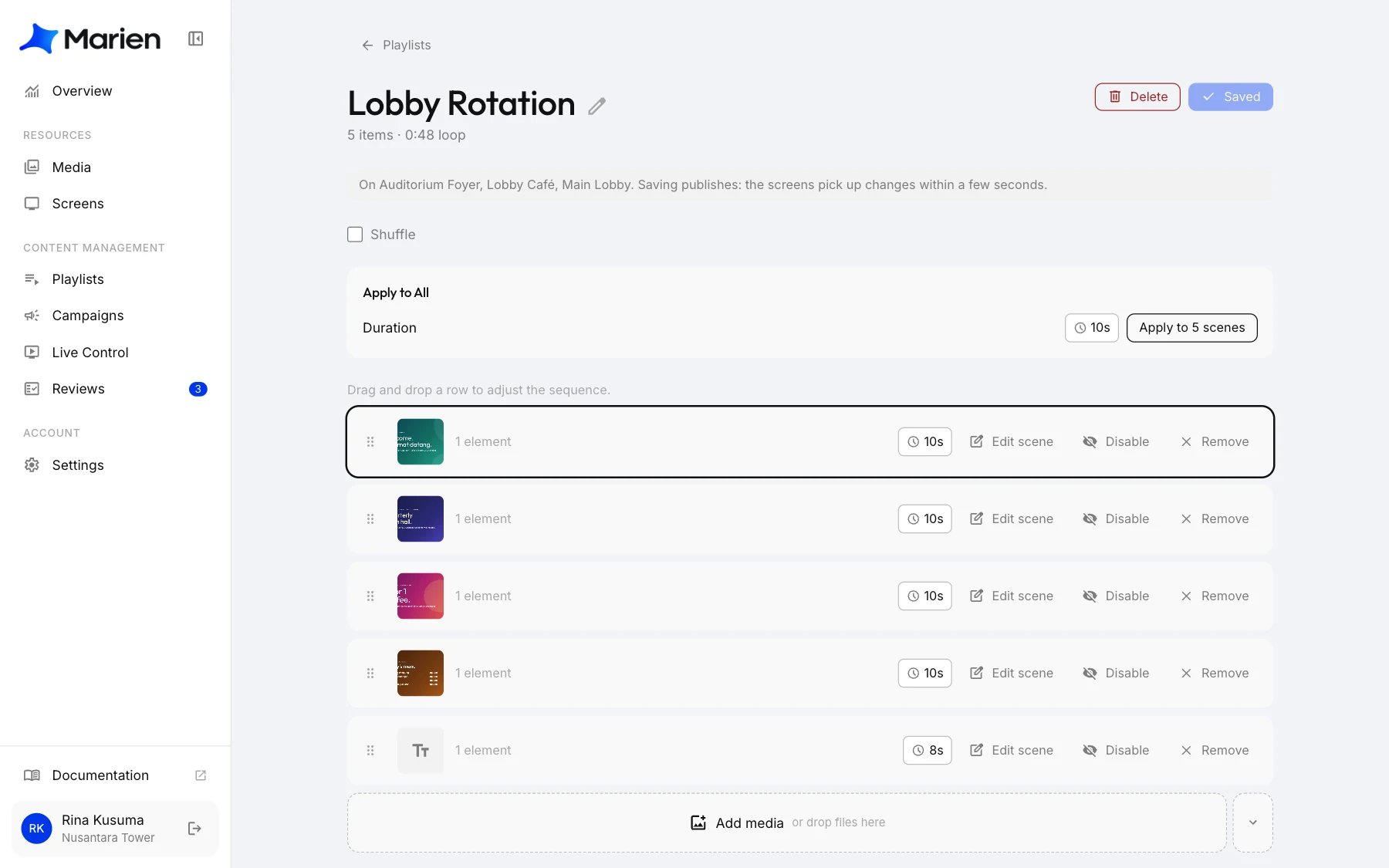
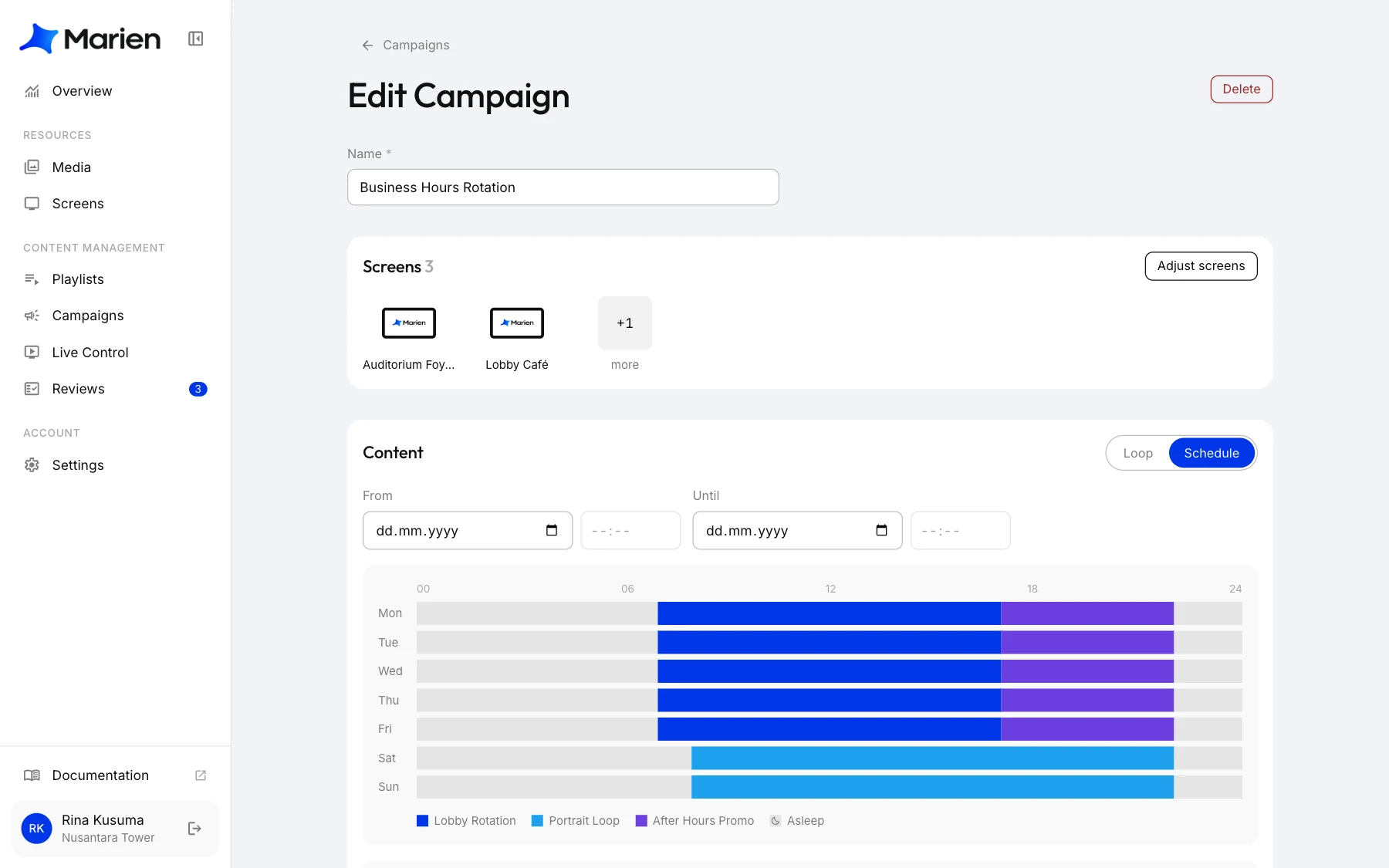
Design in MarienPlaylist in MarienSchedule in Marien

Publish them effortlessly

Changes are published in seconds.

Designed for versatility.

One player, on whatever screen you already have.

  • AndroidInstall our .apk on Android TV boxes and devices.
  • Smart TV browserUtilizes the smart TV’s browser and requires no installation.
  • BrowserAny device that runs a browser.

Put your first screen on Marien

Leave your details and we’ll get in touch to set up your account.